Windows desktop app
Your desktop, alive.
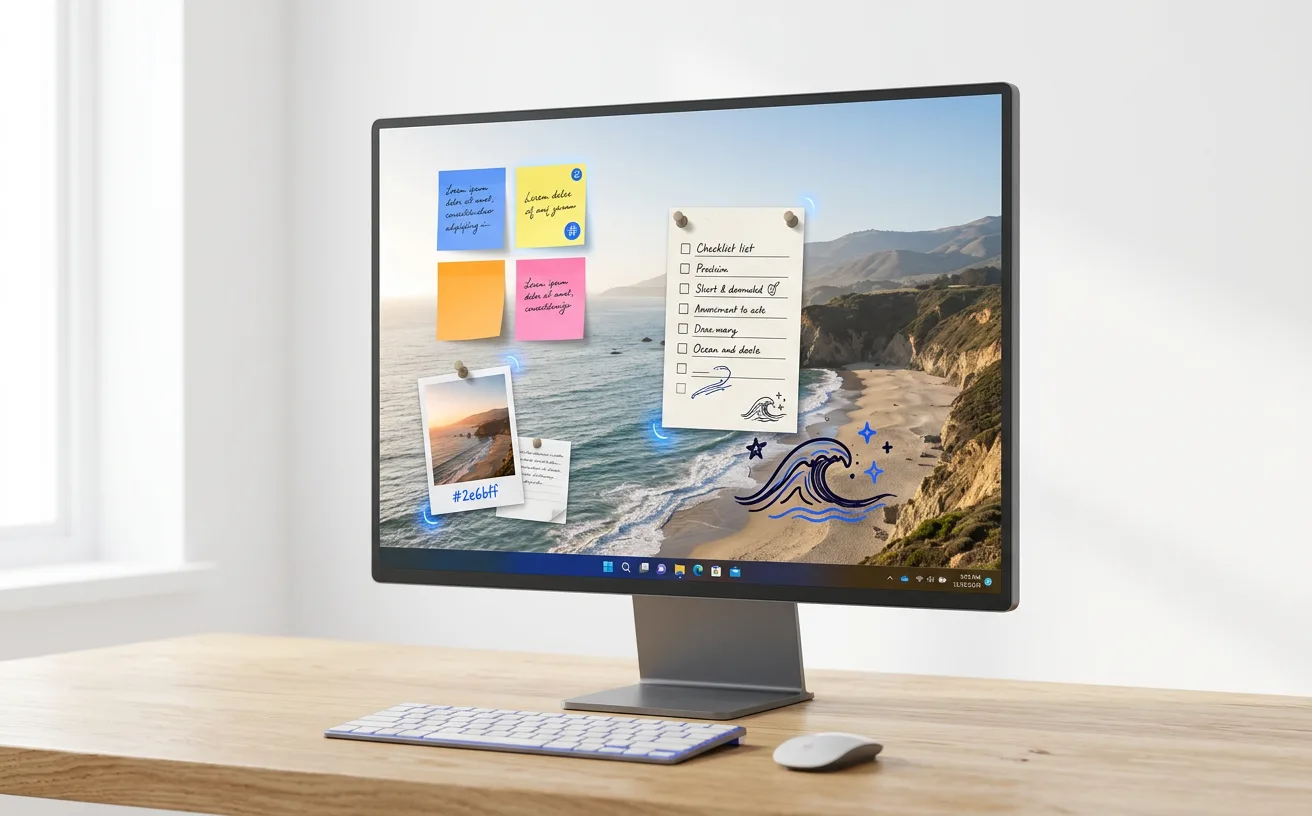
Muralo turns your Windows wallpaper into a living canvas. Pin notes, write text, sketch with a marker and drop in photos right on your desktop, then make each one your own with frames, type and colour.
Windows beta
What it does
Notes & text
Pin sticky notes and free text anywhere on your wallpaper.
Marker drawing
Sketch, circle and doodle straight onto your desktop.
Photos, GIFs & video
Drop in pictures and moving images to make your space yours.
Canvas themes
Frames, type and colour for every item, so it all feels designed.
Multiple displays
Works on a single screen or across a multi-monitor setup.
Local, no account
Everything saves locally as you work, with backups. No sign-up.
Questions
Is Muralo free?
It's free during the beta. Pricing is planned for launch; the current plan is a one-time $5 purchase, not a subscription.
Which Windows versions does it support?
Windows 10 and Windows 11.
Do I need an account?
No. Muralo has no account and saves everything locally on your PC, with backups.
Are there keyboard shortcuts?
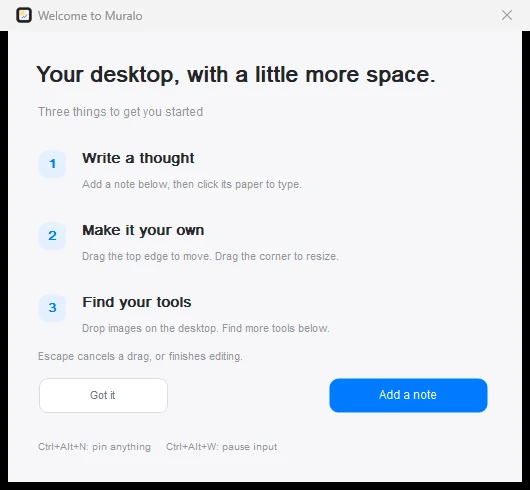
Yes. Ctrl+Alt+N pins something new, and Ctrl+Alt+W pauses input.
How do I get the beta?
Join the waitlist below and we'll email you a beta invite.
Get Muralo first.
Join the waitlist for early access, beta invites and launch-day deals. One email per launch, nothing else.
We only use your email to tell you about launches. Unsubscribe any time. Privacy